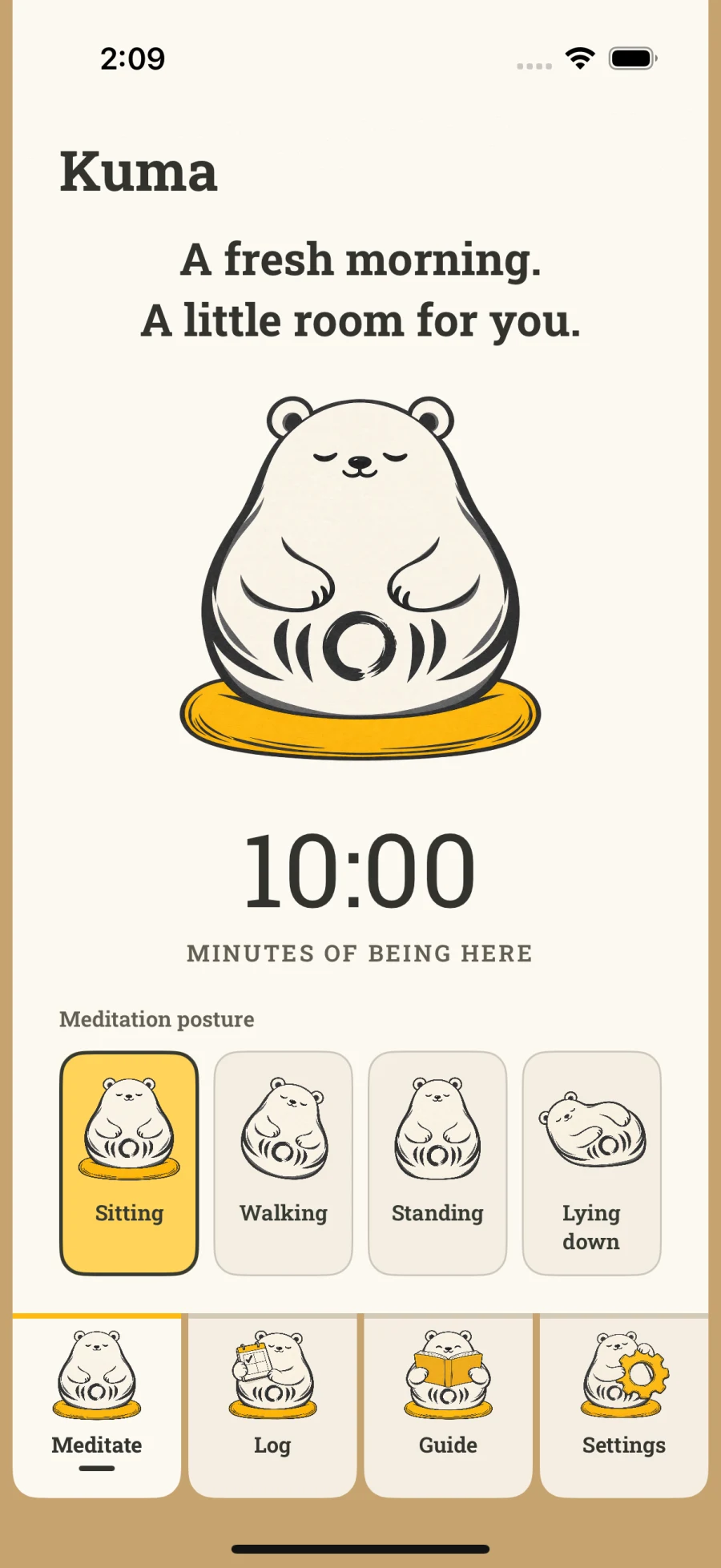
01 / Settle in
A timer that leaves you room.
Choose your time and posture. Let the bell end your session, or keep going until you’re ready. Preparation and interval bells help you settle into your own rhythm.
A native meditation app for iPhone & iPhone Duo
Meet Kuma. A gentle meditation timer that helps you return to your own practice, one quiet moment at a time.
Let me know when it’s readyMade for iPhone · Duo native · Beta coming soon
Less choosing. More being.
For the moments when you already know what you need: a little quiet, a bell, and somewhere to begin.
01 / Settle in
Choose your time and posture. Let the bell end your session, or keep going until you’re ready. Preparation and interval bells help you settle into your own rhythm.
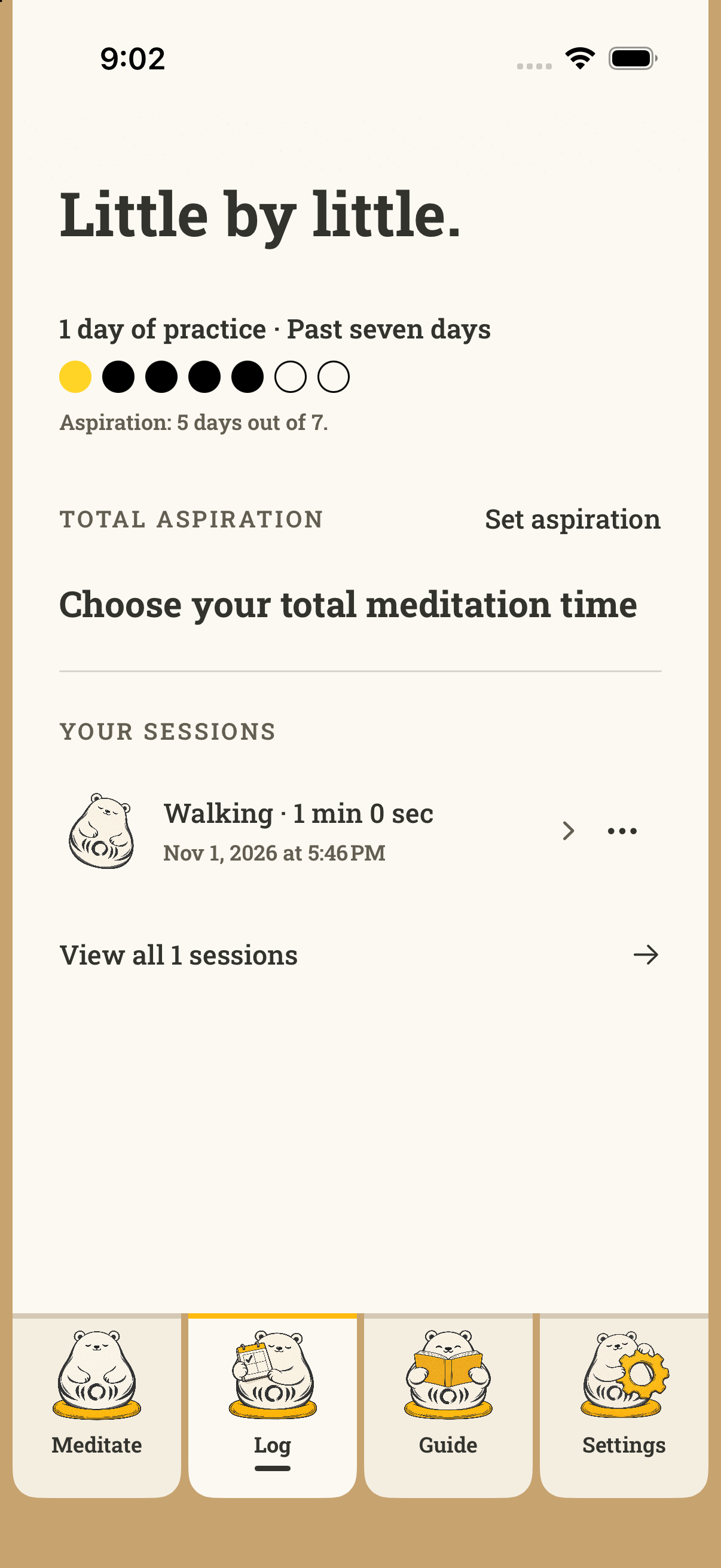
02 / Return gently
Review your recent meditations, open a session’s details, and browse your full history. See your practice days and progress toward the aspirations you choose.
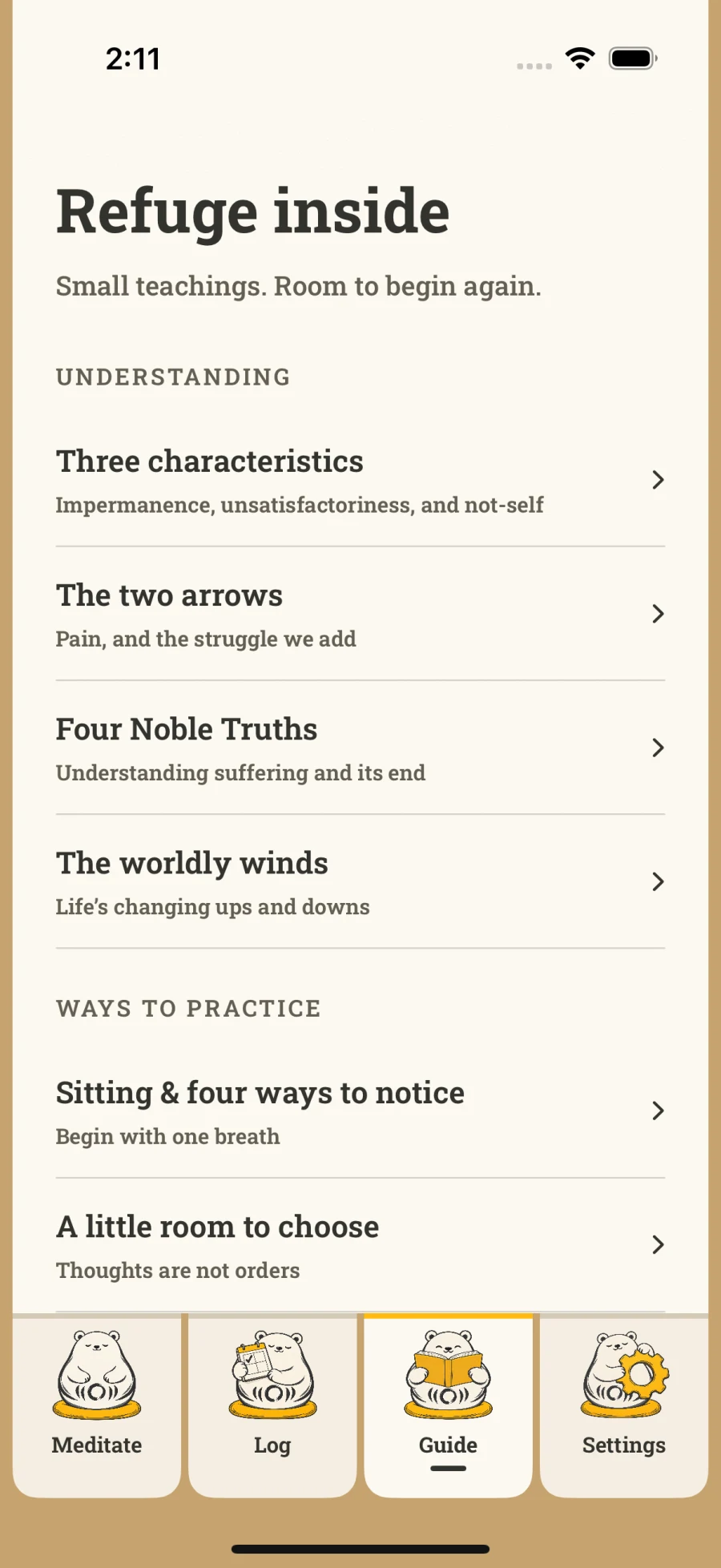
03 / Find your bearings
Open the illustrated, offline guide when you need a reminder. Read a teaching, take a reflection with you, and come back to your experience.
A little Kuma, right at home
A little surprise each time you glance. Kuma’s widgets bring a variety of delightful illustrations to your Home Screen, with gentle encouragement to return to practice.
A little warmth for your Home Screen.
A quiet glow against warm charcoal.

Apple Watch + Apple Health
Leave your phone aside and begin from your wrist. Choose your time with the Digital Crown, then let gentle haptics help you settle in and keep your practice close.
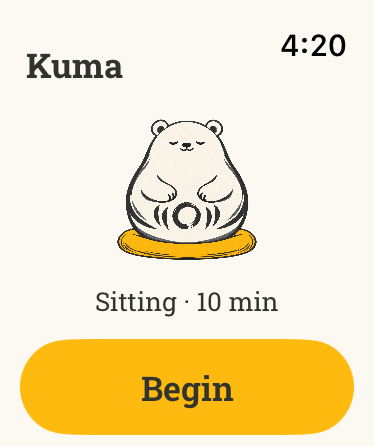
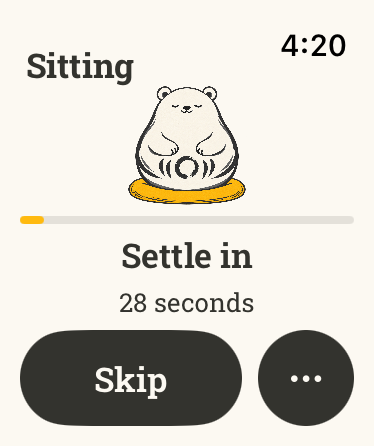
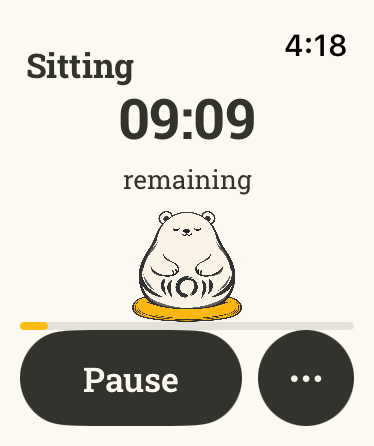
Begin from your wrist
Start, pause, and finish a meditation on Apple Watch without your iPhone nearby. Gentle haptics mark your settling time, chosen duration, and intervals. Completed sessions join your iPhone history when the devices reconnect.
Keep your practice together
If you use Apple Health, you can choose to save completed meditations as Mindful Minutes. It’s a simple way to keep a record of the time you make for practice.
Optional health reports
If you’re curious, you can enable heart-rate reports from Apple Watch or step reports for walking meditations. Both are optional and separate from saving Mindful Minutes. Heart rate isn’t a measure of how well you meditated.
These reports stay on your devices and aren’t sent to Kuma’s cloud service or included in CSV exports. You control permissions in Apple Health. Read about Health and privacy.
Duo native
Open Kuma on iPhone Duo and give your practice space to unfold. Kuma and your timer settle into separate panes that adapt as you open, fold, or rotate. Comfortably native to your iPhone Duo.
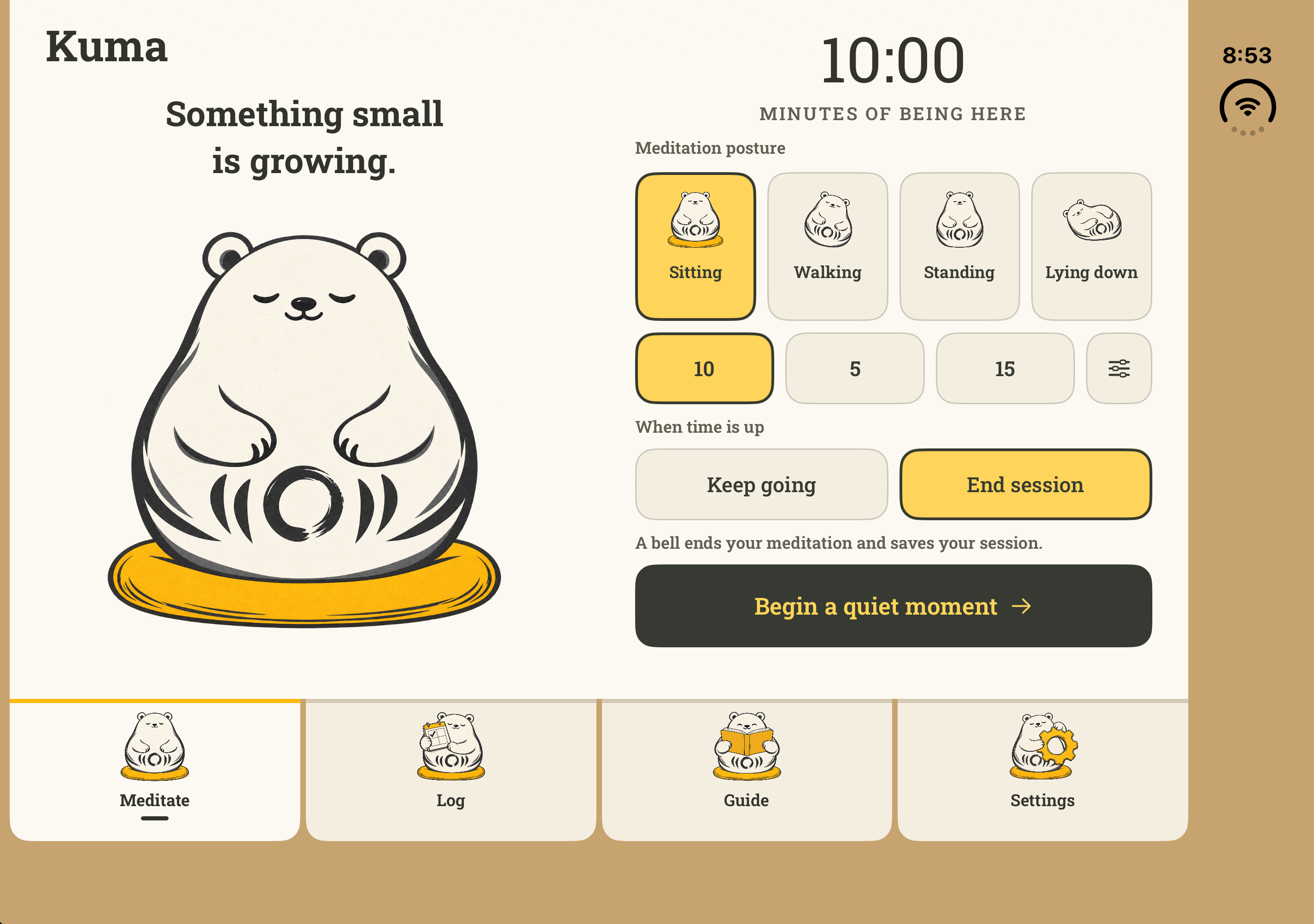
Fully open
Kuma beside your timer, with posture, duration, and ending choices together.
Half-open · tabletop
The two panes stack around the fold when you rest Duo on a surface.
A quiet invitation
Leave your email and we’ll let you know when Kuma’s public beta is ready to try.
For iPhone with iOS 18 or later.
A few things to know
The public TestFlight beta is being prepared. Join the email list above and we’ll send the installation details when external testing is available.
Yes. Kuma supports iPhone with iOS 18 or later. The fold-aware Duo layout requires iOS 27.1 or later, but the meditation timer, personal practice log, offline written guide, and widgets are also available on supported compact iPhones.
Yes. Kuma is built with SwiftUI and includes fold-aware meditation and reflection layouts for iPhone Duo on iOS 27.1 or later. The timer and practice controls adapt to the inner display while compact iPhones keep a single-column layout. The public beta is in preparation.
Neither. Solo practice works without signing in. Cloud backup and Apple Health are optional, and you can use Kuma entirely on your iPhone. The optional Watch companion requires watchOS 11 or later.
Install Kuma on your paired Apple Watch. In Kuma’s Settings → Apple Health, choose Save to Mindful Minutes, Heart rate reports, and Measure on Apple Watch as you prefer, then approve the relevant permissions. With Watch measurement enabled, starting a meditation on iPhone can launch recording on your nearby Watch. You can also begin directly on the Watch.
Requires iOS 18 or later and, for the Watch companion, watchOS 11 or later. Health readings may take time to sync and depend on available sensor data. Kuma shows recorded information; it does not interpret your heart rate medically or grade the quality of your meditation.
Once you have Kuma installed, touch and hold your iPhone’s Home Screen, choose Edit → Add Widget, and search for Kuma. Pick a small or medium widget. In Kuma, open Settings → Widget appearance to choose Sunshine, Night Gold, or Match System. iOS controls when widgets refresh.
Kuma supports self-directed practice with a flexible timer for sitting, walking, standing, or lying down. Choose a timed or open-ended session, set preparation and interval bells, and keep a personal practice log. The offline guide offers written teachings and reflections.
Kuma starts with a flexible weekly aspiration, so you can build a rhythm that makes room for life. Any completed session counts as practice that day, including a short one. You can choose a strict daily streak in Settings if that’s helpful to you.
Kuma is a quiet companion for your practice. His round, legless body recalls a Daruma doll, the Japanese figure inspired by Bodhidharma and associated with perseverance. His circular form also echoes the ensō of Zen brush painting—a simple expression of practice, presence, and space. (Daruma, Ensō)
His white color is a nod to the upāsaka, a lay Buddhist practitioner. The Pāli Canon describes white-clad lay followers practicing amid everyday life. Kuma carries that spirit: a little company as you sit, return, and begin again. (DN 29)